
You know the detour. A new client signs at intake, your team builds the Matter in Clio, and then someone opens a second tab, re-enters the same name and date of birth somewhere else, waits, downloads a folder, and drags it back into the file. It works. It's also the kind of step that quietly eats an afternoon across a busy docket.
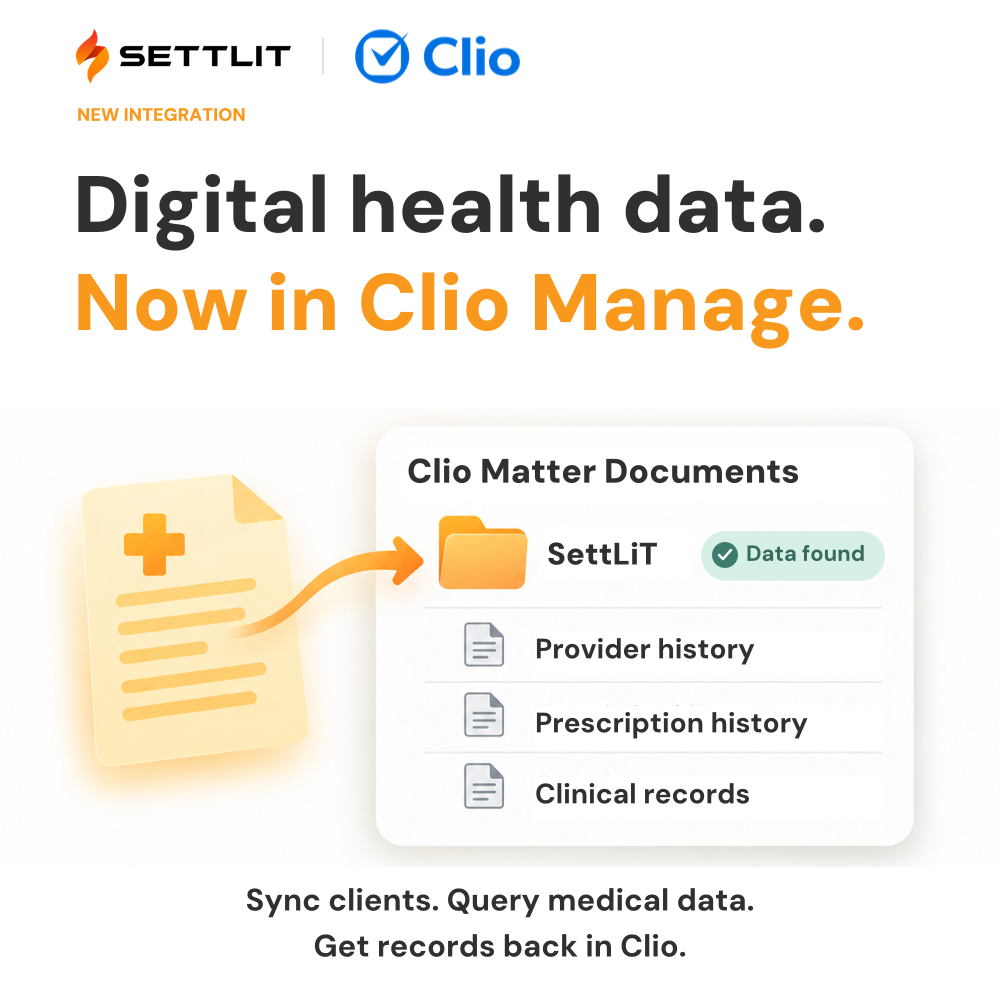
So here's the news: SettLiT is now available in the Clio App Directory. If your firm runs on Clio Manage, you can sync a Matter to SettLiT, query national digital health networks, and have the records land back in that Matter's Documents tab. No exports, no re-keying, no second system to check.
What the integration actually does
Once it's connected, every Matter in Clio gets a new custom field called SettLiT Status. Set it to Pickup and the Matter's details sync to SettLiT, which runs the query against the data sources your firm chose during setup. The field moves to Processing while the networks respond, then to Completed, Data Found or Completed, No Data Found. You get an email when it's done, and the records appear in a SettLiT folder inside the Matter's Documents tab.
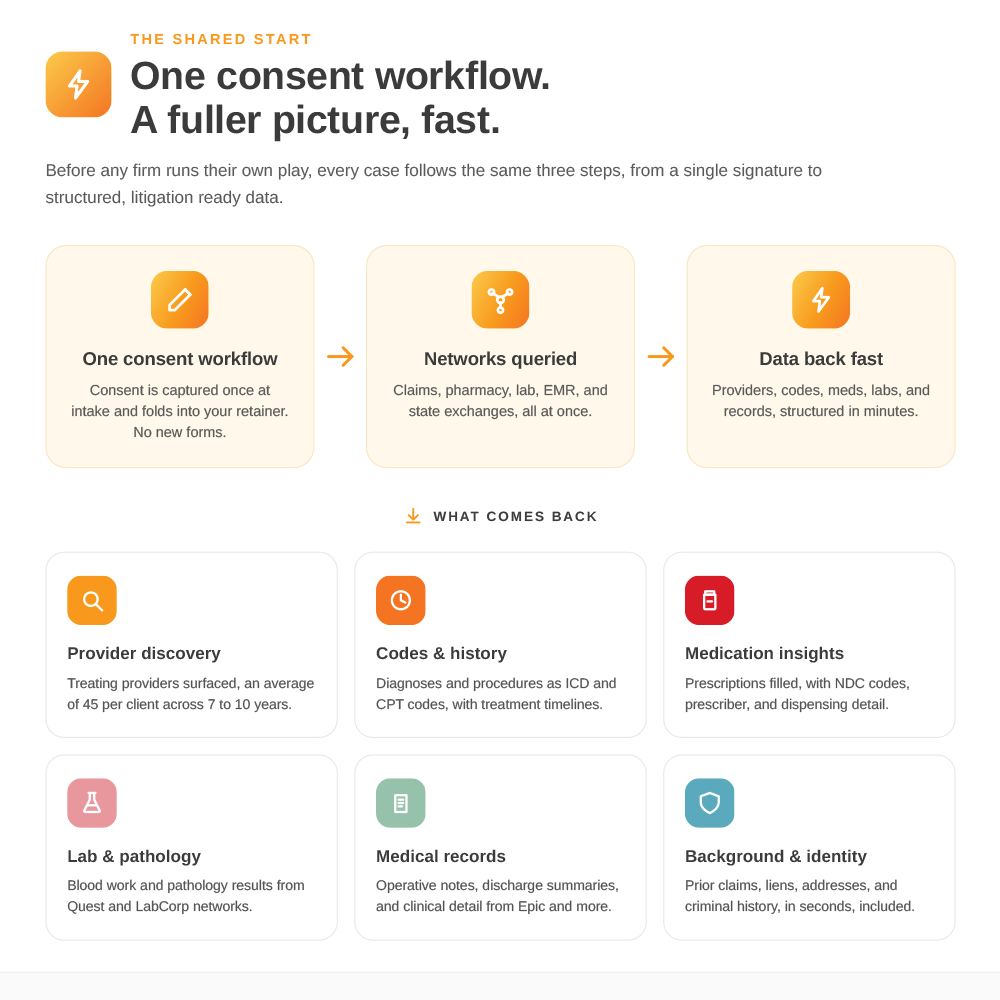
What comes back is what SettLiT returns today: the treating providers, diagnoses and procedure codes, prescription history, lab results and available clinical records held in claims clearinghouses, pharmacy networks, lab networks, state health information exchanges and electronic health record systems. Most claims and pharmacy sources answer in about five minutes. EHR and state exchange sources can take longer. For filtering, timelines and the pre- and post-incident view, open the same client in the SettLiT portal.
It isn't magic. It's access, now inside the tool your team already lives in.
Why we built it
Your clients are the starting point for their own medical history, and they don't remember most of it. On average, SettLiT surfaces roughly 45 providers per client that weren't disclosed at intake. That picture is most useful early, before case theory is set and before resources are committed. The fewer steps between "we signed this client" and "we know what the networks hold," the earlier that picture shows up.
Clio is where a lot of PI firms already make that first decision about a case. Putting the query one dropdown away from the Matter means the data arrives where the decision gets made.
What this means for you
One workflow, not two. The Matter you already built is the request. Your team stays in Clio and the results come to them.
Nothing changes about the rules. Every query still needs the client's signed SettLiT authorization. No signature, no data. Most firms add the authorization language to their retainer so it's signed at intake with everything else.
You don't pay unless records come back. A Matter that returns No Data Found costs nothing, so there's no downside to running it on a case you're unsure about.
Getting set up
If you're already a SettLiT customer, setup takes one email. Follow the steps in Setting Up Your Clio Integration, or contact Sales at sales@settlit.com. Support will walk you through authorizing access between Clio and SettLiT and help you choose which data sources run automatically for each synced Matter.
If you're new to SettLiT, visit the SettLiT listing in the Clio App Directory or book a demo and we'll show you the integration on a live Matter.
See it at ClioCon
The SettLiT team will be in Boston at the Hynes Convention Center on October 26 and 27. Come find Hal Peshdary, Katie Vallorani and Juliana Doxey and we'll walk you through it in person.
.svg)
.png)